FireShot - Full webpage screenshot tool support forum / FireShot Browser Extension / Premium Support
Capture Chrome browser Window
Pages: 1
| Posted: 16 Apr 2020 00:44 | ||
|
Registered User Currently Offline |
Posts: 1 Join Date: Apr 2020 |
|
When I capture browser window with browser full screen everything looks great. But if I capture on widescreen monitor when browser doesn't fill the screen the image has a few pixels of extra space outside the browser window. If the browser window is pinned right then the extra pixels are to the left; if the browser is pinned left, the extra pixels are to the right. Same issue in both Chrome and Edgmium, using latest release versions, and on multiple Windows 10 PC's. See 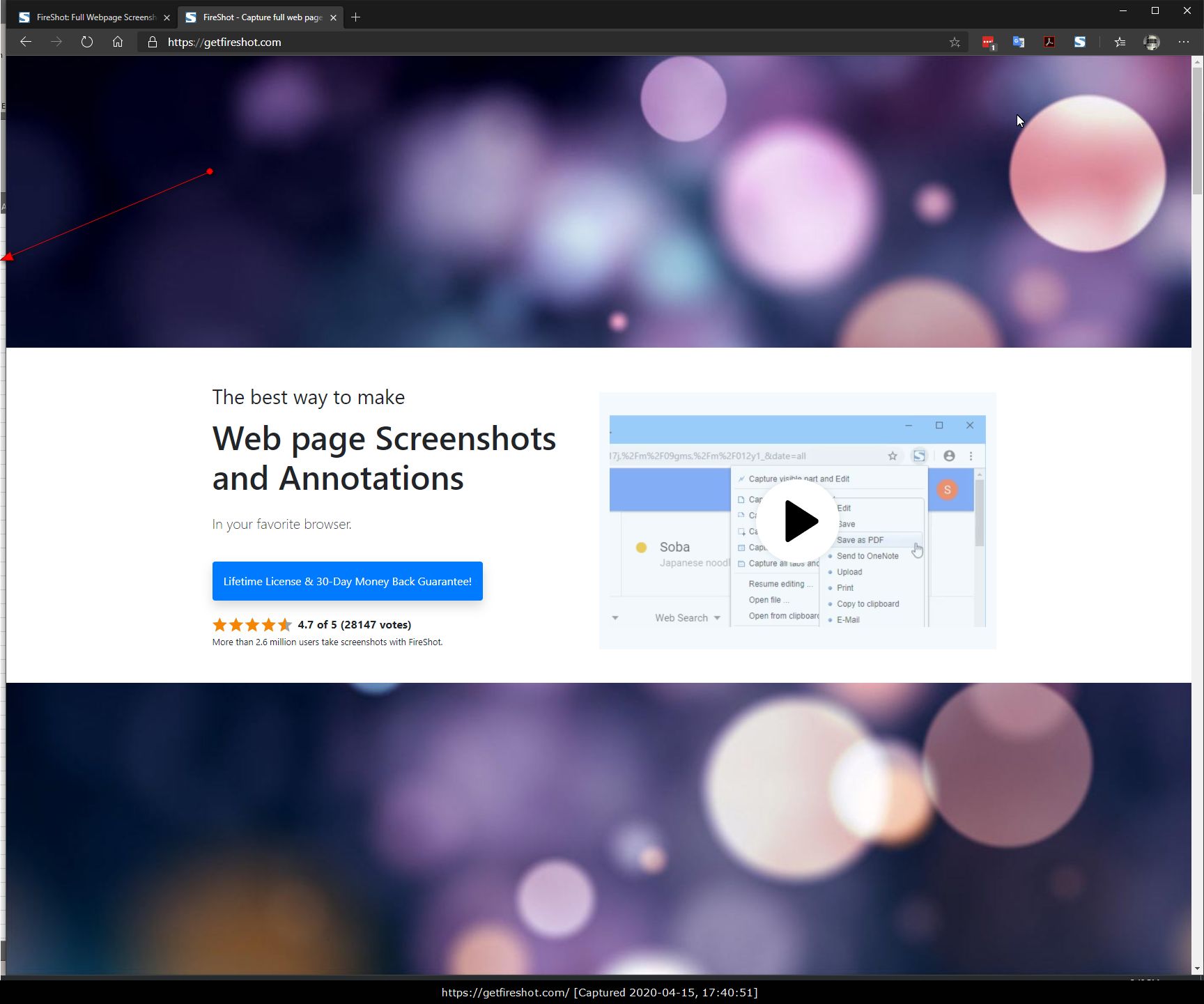
|
||
Pages: 1
| Recent topics | Replies | Views | Last Poster |
|
Ghost Label Across Screen in Capture Element and Edit Mode |
2 | 3497 | |
|
Thunderbird: Fireshot Pro is not shown as add-on after installation |
4 | 2739 | |
|
How to uninstall completely from Chrome? |
2 | 5709 | |
|
capture slide show |
0 | 2227 | |
|
Where do I download Fireshot? I lost my original download. |
1 | 2445 | |
|
Error when trying to upload to custom FTP |
1 | 2597 | |
|
Involuntary background scrolling on Instagram; capturing wrong portion of image |
0 | 2530 | |
|
bug with svgz |
1 | 2387 | |
|
Screenshot page and add URL and capture date as header or footer |
2 | 7010 | |
|
Pro Activation for Edge Browser |
2 | 2966 |